How to Register for PayNow Using Your FIN Number
You’ve just finished a fantastic meal at a hawker centre in Telok Ayer, and the inevitable moment arrives: splitting the bill. In Singapore, "I’ll PayNow you" is the standard refrain, yet many expats struggle because their mobile number isn't yet linked or they're using a foreign SIM. This guide explains exactly how to register for PayNow using your FIN number to ensure seamless local payments.
Why Linking Your FIN is a Game Changer for the Singapore Expat Life
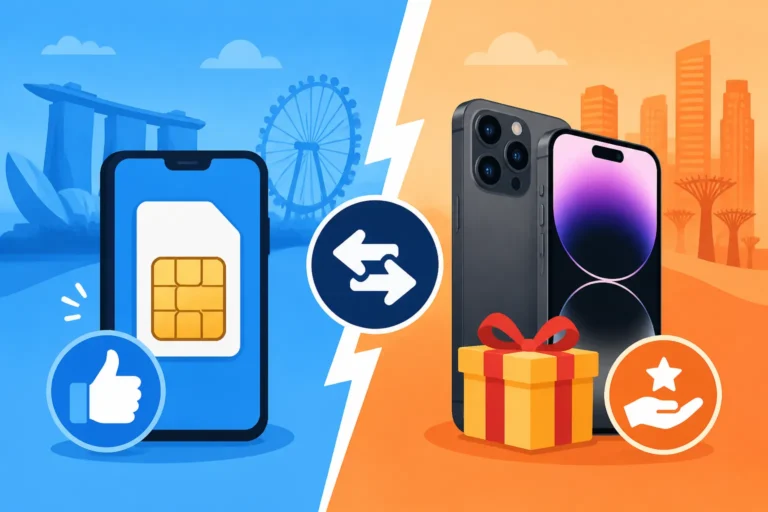
When you first land in Singapore, you are likely overwhelmed by the sheer efficiency of everything, from the MRT to the automated gates at Changi. However, the financial system has its own set of "local logic" that can be frustrating if you don't navigate it correctly. Most locals link their PayNow to their mobile phone number. While this is convenient, it can be problematic for an expatriate. Many of us start with a temporary SIM card, or perhaps we maintain a foreign number for a few months while we settle in. If you link your PayNow to a mobile number that you eventually discard, you risk losing access to that payment bridge or, worse, having your funds sent to someone who inherits your old number.
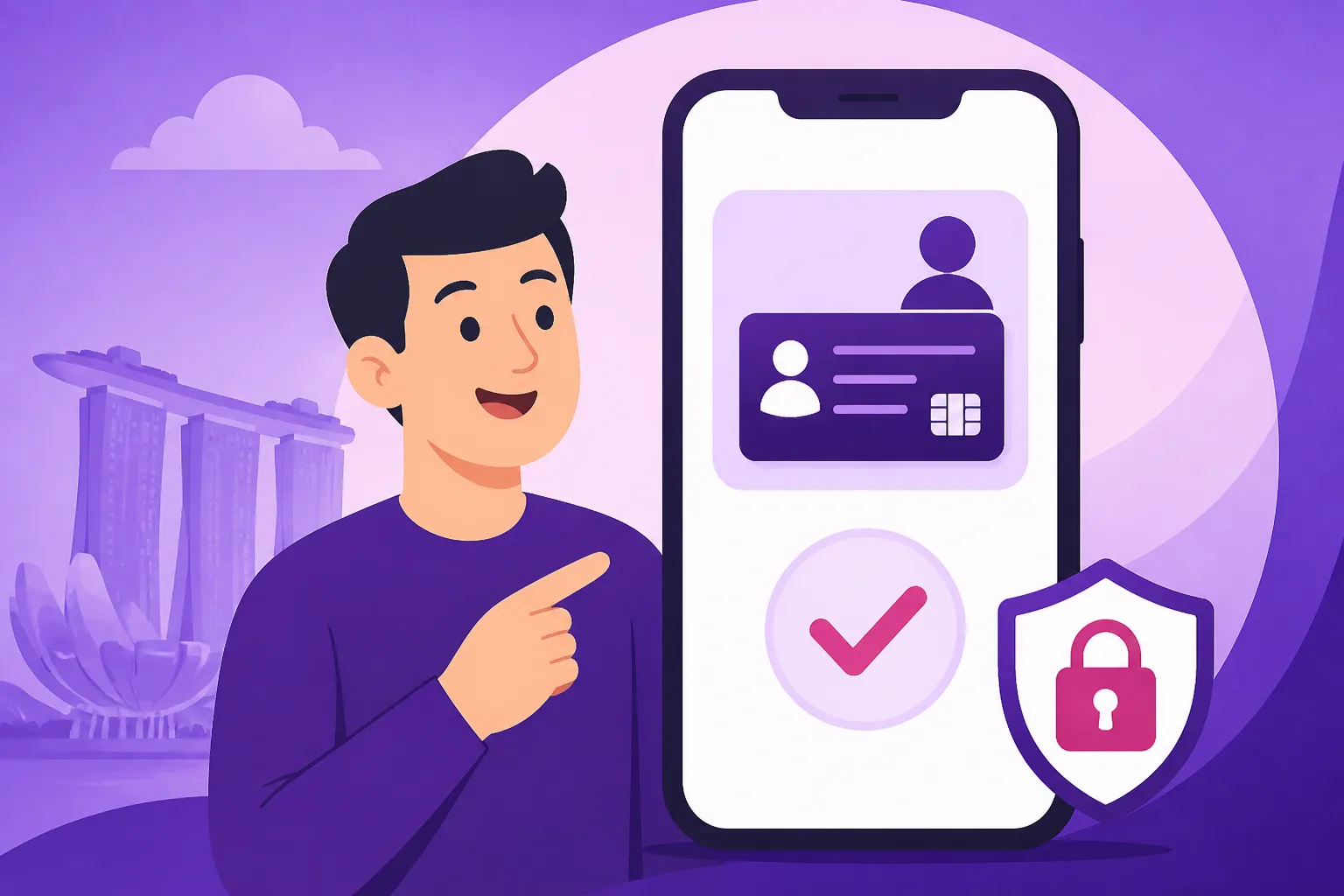
Linking your PayNow to your Foreign Identification Number (FIN) is the "pro-level" move for a veteran expat. Your FIN—whether it starts with G, F, or the newer M series—is your unique, permanent identifier in Singapore. It stays with you even if you change your employer, move from a condo in River Valley to a black-and-white house in Watten Estate, or switch from a Singtel to a StarHub mobile plan. By using your FIN as your proxy, you create a stable destination for funds. This is particularly useful for official matters. For instance, if you are due a tax refund or a deposit return from a utility provider, having your FIN linked to your bank account ensures the money finds you without you needing to provide bank account numbers or wait for a physical cheque to arrive in your letterbox.
Furthermore, Singapore is rapidly moving toward a "Smart Nation" reality where cash is becoming a rarity. From the small boutiques in Haji Lane to the auntie selling sliced fruit at the wet market, the SGQR code is everywhere. PayNow is the engine behind these transactions. When you register with your FIN, you are essentially telling the Singapore clearing house that "this specific person belongs to this specific bank account." It’s a layer of security and permanence that a mobile number simply cannot offer. If you are still in the early stages of your move, checking a Financial Checklist for Your First 30 Days in Singapore will show you just how high a priority this should be.
The Technical Path: Registering via DBS, OCBC, and UOB
The process of linking your FIN to PayNow is handled entirely through your local bank's digital portal or mobile app. You do not need to visit a physical branch at Marina Bay Financial Centre or wait in a queue at an ATM. However, the terminology can be slightly different depending on which of the "Big Three" local banks you use. It is essential to have your Opening a Bank Account in Singapore: Required Documents for Foreigners process completed first, as you need an active, funded account to begin.
Registering with DBS or POSB (digibank)
If you are with DBS, which many expats choose for its widespread ATM network, you will use the digibank app. Once logged in, navigate to the "Pay & Transfer" section and look for "PayNow." Inside this menu, you will see an option to "Manage PayNow Registrations." Here, you will see two tabs: one for your Mobile Number and one for your NRIC/FIN. Select the FIN tab. The app will usually pull your FIN automatically from your bank records. You will then select which of your accounts (Saving Plus, Multiplier, etc.) you want to link to this FIN. A quick OTP (One-Time Password) later, and you are registered. It is wise to do a test transfer of $1 from a friend’s account to ensure the money lands correctly.
Registering with OCBC Digital
For those using OCBC, the process is equally streamlined but tucked under the "Payments" tab. Look for "PayNow Settings." OCBC is quite diligent about security, so they may ask you to perform a face verification or use your hardware token if you haven't performed a transfer in a while. When selecting your proxy, choose "NRIC/FIN." One specific benefit for OCBC users is how clearly they display the linked name. Ensure that the "Display Name" is something recognizable to your friends, as this is what they will see before they hit 'send' on a transaction.
Registering with UOB TMRW
UOB’s TMRW app has a very modern interface. You’ll find the PayNow registration under the "Services" or "Profile" icon. Similar to the other banks, you must specifically toggle the registration for your FIN. UOB often runs promotions for first-time PayNow registrants, so keep an eye out for any cashback offers. If you are still deciding which bank fits your lifestyle, you might want to spend some time Comparing Local Banks: DBS vs OCBC vs UOB for Expat Needs to see which app interface you prefer, as you’ll be using it daily for PayNow.
| Feature | Mobile Number Proxy | FIN Number Proxy |
|---|---|---|
| Stability | Low (Changes with SIM) | High (Permanent ID) |
| Privacy | Low (Payers see your phone number) | Medium (Payers see your FIN) |
| Govt. Payments | Rarely used for official refunds | Preferred for Tax/Grant refunds |
| Ease of Use | High (Friends have your number) | Medium (Friends need your FIN) |
| Primary Use Case | Social splitting and dining | Official matters and long-term security |
Common Pitfalls and How to Handle a Locked or Duplicated FIN Link
As much as we love the efficiency of Singapore, administrative "hiccups" happen. One of the most common frustrations for foreigners is finding that their FIN is "already registered" at another bank. This usually happens if you opened an account years ago during a previous stint in Singapore or if you have a dormant account you’ve forgotten about. Because a FIN can only be linked to ONE bank account across the entire country, you must first de-register it from the old bank before you can link it to your new one. This can be a headache if you’ve lost access to your old internet banking login. In such cases, you will unfortunately have to call the old bank's customer service or visit a branch with your passport and Employment Pass in hand.
Another hurdle involves the prefix of your FIN. If you arrived in Singapore before 2022, your FIN likely starts with "G." Those arriving more recently will have an "M" prefix. Occasionally, older bank systems might struggle to recognize the "M" series if the bank’s internal records haven't been updated with your latest pass details. This is why Understanding Singpass: The Key to Digital Banking and Government Services is so vital. Your Singpass is the "source of truth" for your identity in Singapore. If your bank has the wrong FIN on file (perhaps a typo during the application process), your PayNow registration will fail repeatedly. Always ensure your bank records match your physical ID card exactly.
If you are a US citizen, there is an added layer of complexity regarding your bank accounts. While PayNow is a local transfer service, the account it is linked to must be reported if you meet certain thresholds. Using services like Taxes for Expats can help you navigate the FBAR and FATCA requirements that come with having these highly active local accounts. Many newcomers forget that even a "simple" local app like PayNow is tied to a reportable foreign financial account.
Finally, be aware of the "Daily Transfer Limit." By default, many banks set your PayNow limit to $1,000 or $5,000. If you are trying to pay your landlord the security deposit or a large reimbursement for a group holiday, you might find the transaction blocked. You can increase this limit within your bank app, but it often requires a 12-hour or 24-hour "cooling-off" period for security reasons. Plan ahead if you know a large payment is coming up. If you are managing your monthly outgoings, check the Budgeting in Singapore: Cost of Living Benchmarks for Expats to see how these digital payments fit into your overall spending plan.
Integrating PayNow into Your Broader Expat Financial Strategy
PayNow is fantastic for local SGD transactions, but as an expat, your financial life is rarely contained within the "little red dot." You will inevitably need to move money back home or pay bills in your home country. This is where you need to look beyond the local clearing system. For moving money internationally, I’ve found that while local banks are getting better, specialized services like Wise are often significantly cheaper and faster. You can actually use PayNow to fund your Wise account; you simply select PayNow as the payment method in the Wise app, and it generates a QR code. You then scan that code using your DBS or OCBC app, and the money is moved instantly from your local account to your multi-currency wallet. It’s a seamless bridge between local convenience and global mobility.
As you become more settled, you’ll realize that PayNow is also the primary way you’ll interact with the Inland Revenue Authority of Singapore (IRAS). When you receive your first tax bill, you’ll see an option to pay via PayNow QR. By having your FIN linked, you can also receive your tax incentives or rebates directly. To understand the full scope of your obligations, read up on Singapore Income Tax for Foreigners: IRAS Rules and Filing (2026). Having your PayNow set up correctly makes the "tax season" much less of a chore.
Managing your finances as an expat is about building a stack of tools that work together. Your local bank account (linked via FIN to PayNow) handles your daily life—your chicken rice, your condo's aircon servicing, and your weekend drinks at Clarke Quay. Wise handles your international transfers and currency hedging. And a service like Taxes for Expats ensures that your home country's tax man stays happy and informed. It might seem like a lot of setup initially, but once these systems are linked, you can focus on enjoying the incredible lifestyle that Singapore offers.
Remember that PayNow is built on the PayNow and FAST Transfers: How Singapore Moves Money Instantly infrastructure. This means that unlike traditional wire transfers that might take hours or days, these transactions are truly "Fast and Secure Transfers." Once you hit that 'send' button, the money is gone. There is no "undo" button in the world of PayNow. Always double-check the recipient's name that pops up after you enter the FIN or phone number. If the name doesn't look right, stop the transaction immediately. Scams are, unfortunately, on the rise, and being a diligent digital citizen is part of the "veteran expat" handbook.
Disclaimer
The information provided in this guide is for informational purposes only and does not constitute financial, legal, or tax advice. Banking regulations and app interfaces in Singapore are subject to frequent changes. While we strive to keep this information up to date for 2026, you should always verify specific procedures with your respective banking institution or the Monetary Authority of Singapore (MAS). expatriates are encouraged to consult with qualified tax professionals, such as those specializing in cross-border tax compliance, to ensure they meet all reporting requirements in their home country.