Using the National Library Board (NLB) App for Free E-Books and Audiobooks
One of the most common frustrations for expats arriving in Singapore is the sheer cost of everything. From housing to dining, it feels like every dollar spent needs to be justified. This guide is all about showing you how to unlock a vast, entirely free resource that can make a huge difference to your daily life here: the National Library Board (NLB) app, giving you access to countless e-books and audiobooks without spending a single cent.
Navigating the NLB App: Your Digital Library at Your Fingertips
When you first land in Singapore, you're hit with a flurry of administrative tasks. Getting your visa sorted, finding a place to live, and setting up utilities can feel like a full-time job. But once the dust settles, you might find yourself longing for some familiar comforts, or simply a way to unwind without adding another line item to your already burgeoning budget. That's where the National Library Board comes in, and specifically, their incredibly useful mobile app.
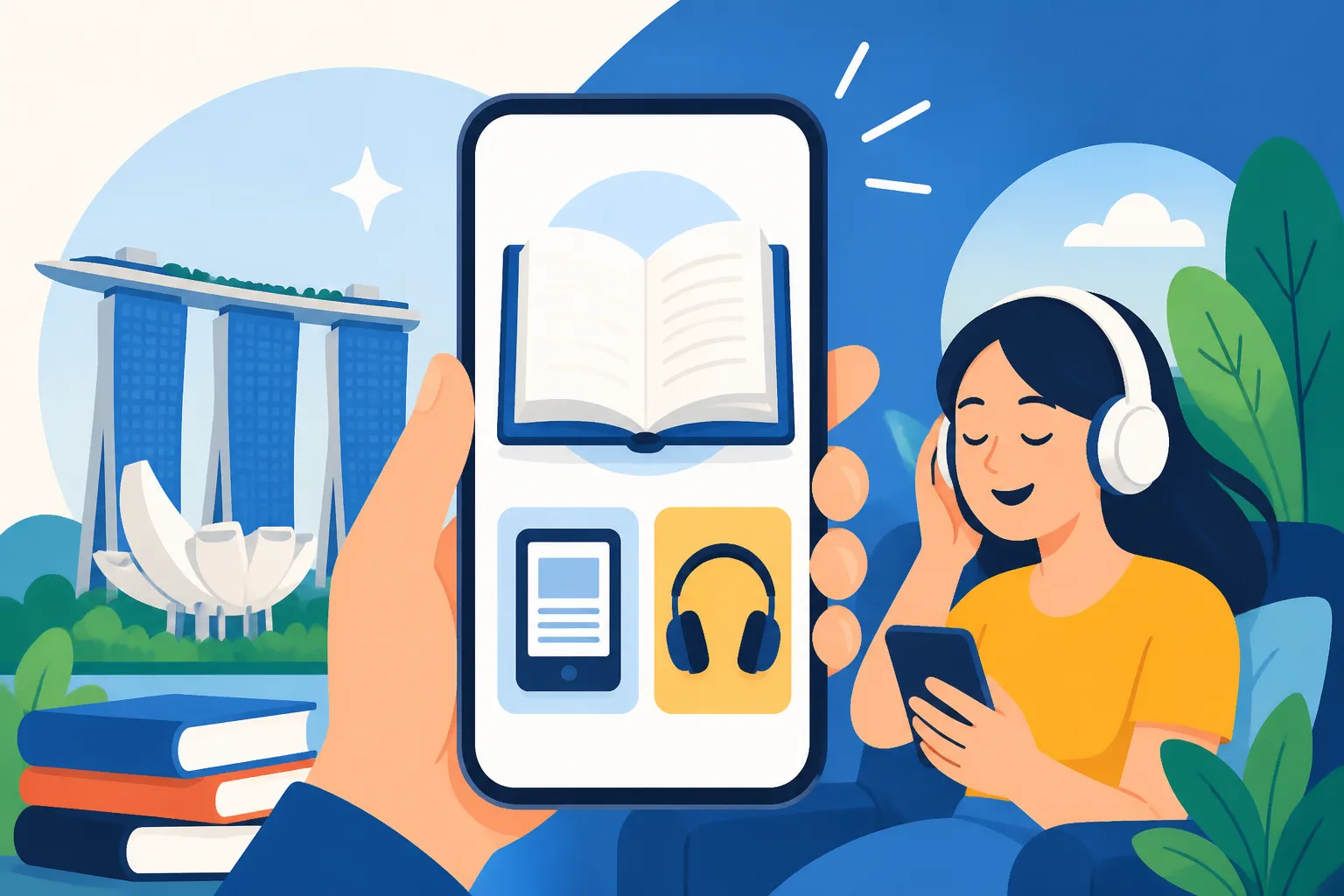
This isn't just any library; it’s a digital gateway to an extensive collection of books, audiobooks, magazines, and more, all available for free with a library membership. As an expat, accessing such a rich cultural resource without additional cost is a huge win. Imagine being able to dive into the latest bestsellers, revisit classic literature, or learn a new skill through non-fiction titles, all from the comfort of your condo or while commuting on the MRT. The NLB app transforms your phone or tablet into a portable library, which is truly a godsend in a city where physical books can be quite pricey.
Getting Started: Registration and Singpass Integration
The first step to unlocking this treasure chest of knowledge is, of course, becoming a member. For Singapore citizens and Permanent Residents (PRs), this process is often seamless, heavily integrated with their Singpass. If you’ve just arrived and are still figuring out things like your Understanding Singpass: The Key to Digital Banking and Government Services, don't worry, the NLB has a clear pathway for expats too. You'll generally need your FIN (Foreign Identification Number) and some form of identification, typically your Employment Pass or Dependant's Pass.
The most straightforward way for expats to register is by visiting any of the physical NLB branches. It's often quicker than trying to navigate online forms for the first time, especially if you're unfamiliar with local administrative quirks. Head to your nearest library, bring your passport and your valid long-term pass, and the friendly staff will guide you through the process. Once your membership is processed – which usually takes just a few minutes – you'll receive your library card details. This physical card is useful for borrowing physical books, but its main purpose for digital access is to provide your membership number and PIN, which are crucial for logging into the app and accessing all the digital goodies. Make sure to keep these details handy!
A Treasure Trove of Digital Content: E-books, Audiobooks, and Beyond
Once you've got your membership sorted and logged into the NLB Mobile app, prepare to be amazed. The sheer volume and variety of digital content available are incredible. We're talking about hundreds of thousands of e-books spanning every genre imaginable, from gripping thrillers and heartwarming romances to in-depth histories and cutting-edge science. If you’re a parent, there’s an enormous selection of children’s books and young adult fiction, which can be a lifesaver when trying to keep the kids entertained and educated without constantly buying new titles.
Audiobooks are another huge highlight, perfect for listening during your commute, while exercising, or even just relaxing at home. For many expats, this is a fantastic way to consume content in English, or even other languages if they're trying to stay connected to their roots. The app also features a strong collection of digital magazines and newspapers, offering local and international titles that can keep you informed and entertained. This is particularly useful if you're trying to keep your Cost of Living for a Single Expat: Monthly Budget Breakdown under control, as subscriptions to multiple publications can add up quickly. Just open the app, browse by category, genre, or search for specific titles, and you’re good to go.
The Practicalities: Borrowing, Returning, and Managing Your Loans
Getting access is one thing, but knowing how to effectively use the system is another. The NLB app is designed to be user-friendly, but like any new system, there are a few tips and tricks that can make your experience smoother. It’s all about understanding the digital borrowing process and how to manage your loans efficiently, ensuring you never miss a deadline or run out of great content to enjoy.
Understanding Loan Limits and Durations
One of the first things you'll notice is that while the content is free, there are limits to how many items you can borrow at any one time, and for how long. This is standard for any library system, whether physical or digital. For digital e-books and audiobooks, the loan period is typically 21 days. This gives you ample time to dive into a book, even if your schedule is packed with work and exploring Singapore.
Each membership type has a specific loan limit. Generally, a standard NLB membership allows you to borrow up to 16 physical items and 16 digital items concurrently. This means you could technically have 32 items out at once – 16 from the physical branches and 16 e-books or audiobooks on your device! For most people, 16 digital items are more than enough to keep their reading queue full. However, if you're part of a family or have voracious readers, you might find yourself cycling through them quickly. Just remember to keep an eye on your due dates, which the app conveniently displays.
The Seamless Borrowing and Returning Process
Borrowing an e-book or audiobook through the NLB app is incredibly simple. Once you've found a title you want, just tap the "Borrow" button. The book will then be available in your "My Loans" section. For e-books, you can often read them directly within the app's integrated reader or download them to a compatible e-reader app on your device. For audiobooks, they usually stream or download directly within the NLB app itself, ready for listening.
The best part about digital loans is the "returning" process. Unlike physical books where you have to remember to drop them off at a branch, digital items automatically return themselves after the 21-day loan period. No late fees, no frantic dashes to the library, and no worries about forgetting! If you haven't finished a book and want more time, you can usually renew it up to two times, provided no one else has placed a hold on it. Simply go to your "My Loans" section in the app and look for the "Renew" option. It's a remarkably stress-free system, which is a welcome relief amidst the usual administrative load of expat life.
Here's a quick overview of the NLB digital loan terms:
| Item Type | Loan Limit (Concurrent) | Loan Duration | Renewals Allowed | Auto-Return |
|---|---|---|---|---|
| E-books | 16 | 21 days | 2 times | Yes |
| Audiobooks | 16 | 21 days | 2 times | Yes |
| E-magazines | Unlimited | 21 days | N/A | Yes |
| E-newspapers | Unlimited | 21 days | N/A | Yes |
Note: The combined limit for physical and digital items is typically 16 for each category, totaling 32 items across both formats for a standard membership.
Maximizing Your NLB App Experience as an Expat
While the basic functions of the NLB app are fantastic, there are ways to really get the most out of it, especially for a diverse expat community like Singapore’s. From tapping into different language collections to integrating with your preferred reading devices, a few extra steps can significantly enhance your digital library experience.
Language Options and International Collections
Singapore is a melting pot of cultures, and the NLB reflects that in its collections. While English content is extensive, you'll also find a significant number of titles in the official languages of Singapore: Mandarin, Malay, and Tamil. If you're keen to brush up on your language skills or simply enjoy reading in your native tongue, this is a wonderful resource. It's not just about the local languages, though; the NLB also procures a selection of popular international titles across various languages.
To find these, use the search filters in the app. You can often filter by language, which will help you narrow down your options. This can be particularly comforting for expats who are still Building Community: Making Friends and Adjusting to Singapore Life and might feel a bit isolated from their home country's media. Being able to access books from your home culture can provide a much-needed sense of familiarity and connection. So, take a moment to explore the non-English collections; you might be surprised by what you find!
Integrating with Other Reading Apps and Devices
While the NLB app has its own integrated reader, many serious readers have a preferred app or device, like a Kindle, Kobo, or even dedicated e-reader apps such as Libby or OverDrive. Good news: the NLB often works with these popular platforms! The NLB primarily uses the Libby by OverDrive app for its extensive digital collection, allowing for seamless borrowing and reading on a wide range of devices. This is a common setup for public libraries globally, making it familiar for many expats.
To integrate, you'll typically download the Libby app, select "National Library Board Singapore" as your library, and then log in using your NLB membership number and PIN. Once linked, you can browse, borrow, and read directly within Libby, which offers a robust reading experience with customizable fonts, lighting, and note-taking features. This is particularly handy if you prefer the dedicated e-ink screen of a Kindle or Kobo, as Libby has options to send books directly to Kindle devices (for Kindle-supported books) or allows downloads in formats compatible with Kobo. This flexibility ensures that you can enjoy your borrowed content on the device that best suits your reading habits.
Common Roadblocks and Troubleshooting for Foreigners
Even with the best intentions and the most user-friendly apps, sometimes things don't go as planned. Expats, in particular, might face unique challenges when navigating systems designed for local residents. But don't despair! Most issues with the NLB app are easily resolved with a little patience and the right information.
Dealing with Access Issues and Account Verification
One common hiccup for expats is related to account verification or expired passes. Your library membership is tied to your long-term pass (Employment Pass, Dependant's Pass, etc.). If your pass expires and you renew it, you'll need to update your details with the NLB. Sometimes, the system doesn't automatically sync, leading to temporary access issues. A quick visit to a physical branch with your new pass, or a call to NLB's customer service, usually sorts this out.
Another potential issue arises if you initially registered with a temporary ID and then received your FIN. Ensure your FIN is correctly updated in the NLB system. Without an accurate and current identification number, the system might flag your account. If you encounter a message saying your account is inactive or details are incorrect, don't hesitate to reach out to NLB staff. They are generally very helpful and accustomed to assisting foreigners. It’s a similar process to updating other essential services, like when you’re sorting out your Renting in Singapore: The Ultimate Guide for Expats (2026) or setting up new services.
Overcoming Digital Hurdles: Device Compatibility and App Updates
Technology isn't always perfect, and sometimes the app itself can present a challenge. If you find the NLB app crashing, slow, or not downloading content correctly, consider a few common troubleshooting steps. First, ensure your device's operating system (iOS or Android) is up to date. Outdated software can often lead to app performance issues. Second, make sure the NLB Mobile app itself is the latest version. App developers regularly release updates to fix bugs and improve functionality.
If you’re still facing problems, try clearing the app’s cache and data (in your phone settings) or even uninstalling and reinstalling the app. This often resolves corrupted file issues. For audiobook streaming or large e-book downloads, a stable internet connection is essential. If you’re often out and about, you might find a robust data plan, or even considering an eSIM from a provider like Airalo for reliable connectivity, to be beneficial for seamless content access on the go. While Singapore has excellent Wi-Fi coverage, sometimes your own data is simply more dependable for continuous streaming. Remember, a little digital housekeeping can go a long way in keeping your reading experience smooth.
Ultimately, the NLB app is an indispensable resource for expats in Singapore. It offers a fantastic way to access a world of information and entertainment without impacting your budget, providing a sense of normalcy and continuity in your new life here. So go ahead, sign up, download the app, and immerse yourself in your next great read!
Disclaimer
The information provided in this guide is for general informational purposes only and does not constitute official advice. While we strive to keep the information up-to-date and accurate, policies and regulations in Singapore, particularly concerning immigration and public services, can change without notice. Please refer to the official National Library Board Singapore website or visit a branch for the most current and authoritative information.